Is your phone refusing to charge, or charging extremely slowly? This frustrating issue is common but often fixable with a few simple steps. Before you rush to a repair shop, try these easy troubleshooting tips.
1. Check the Charging Cable and Adapter
The most common culprit is a faulty cable or power adapter. Inspect the cable for frays or bends and test it with another device. If it doesn’t work, try a different cable or adapter to rule out hardware failure.
2. Clean the Charging Port
Over time, lint, dust, and debris can clog your phone’s charging port, preventing a solid connection. Use a soft brush or toothpick to gently remove any buildup—never use metal objects that could damage the port.
3. Restart or Force Restart Your Phone
Sometimes the issue is software-related. Restarting your phone can clear temporary bugs that interfere with charging. If your phone is unresponsive, look up how to force restart your specific model.
4. Try a Different Power Source
Wall sockets are usually more reliable than USB ports on computers. If you’re charging through a power bank, try plugging directly into the wall to see if that helps.
5. Update Your Phone’s Software
Outdated software may cause battery and charging issues. Make sure your device is running the latest version of its operating system, as updates often fix bugs and improve charging performance.
When to Seek Professional Help
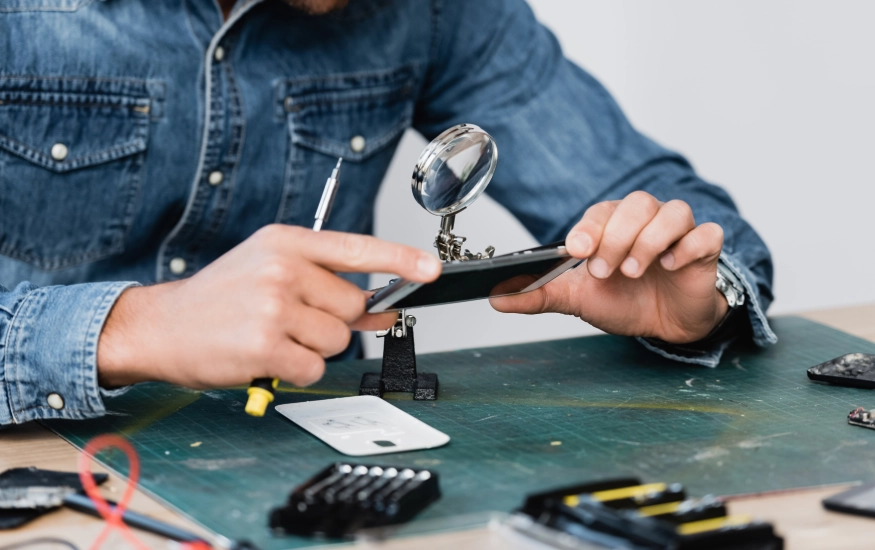
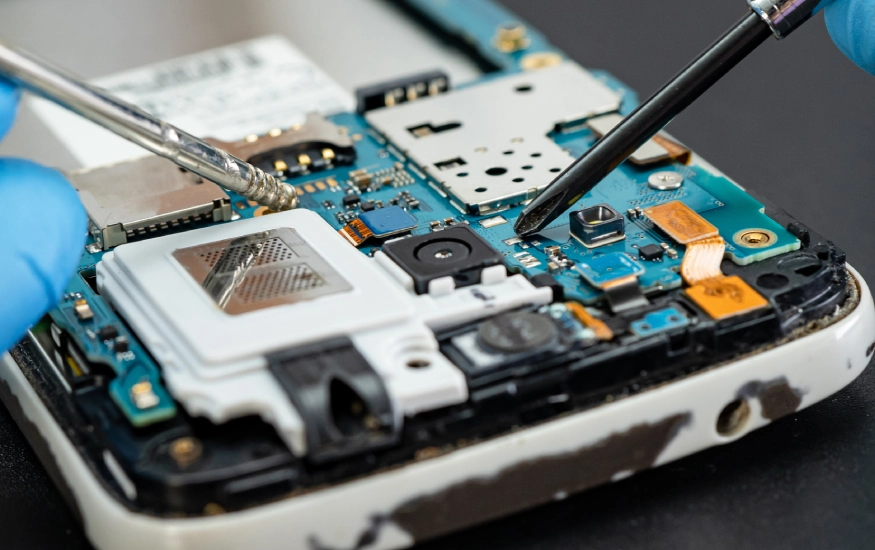
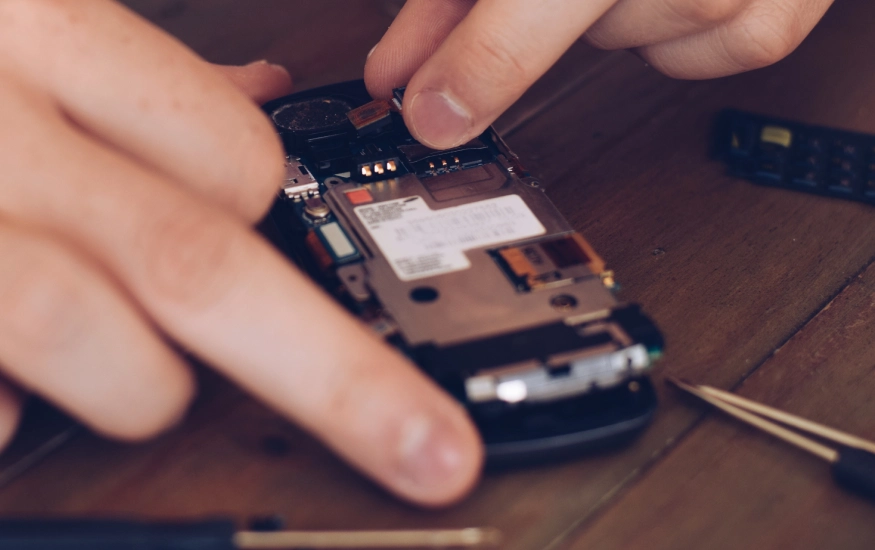
If none of these fixes work, your phone might have a damaged battery, charging port, or internal component. Visit a certified repair technician to diagnose the issue safely.
By checking these common issues, you may be able to fix your phone at home and save time and money.